 Wednesday, October 21, 2026
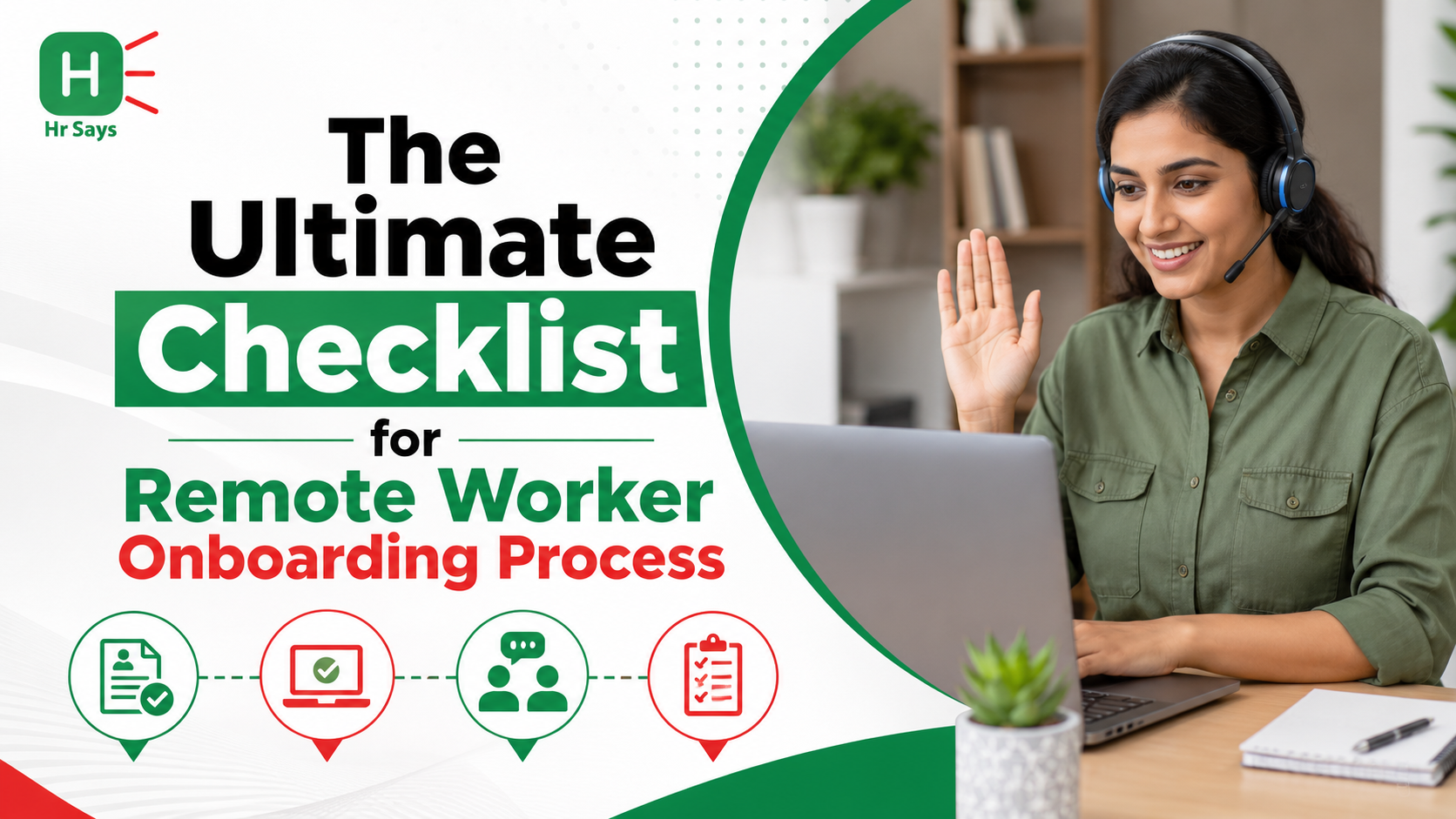
 As remote work and global hiring become the norm, organizations are gaining access to diverse talent while facing new challenges in workforce coordination, compliance, and collaboration. Building effective digital HR strategies, standardized processes, and strong communication frameworks is essential for managing distributed teams, improving productivity, and achieving sustainable global business growth.




The transition toward asynchronous, borderless workspaces has permanently altered corporate talent distribution. Hiring global human capital unlocks an immense competitive advantage, but it simultaneously introduces a critical organizational hurdle: remote worker onboarding.
When a new hire joins a traditional office, their initial acclimation happens organically through physical proximity. They sit next to their team, shadow line managers, and pick up cultural nuances during casual lunch breaks. In a distributed workspace, none of this happens by accident. Without a highly structured digital framework, a remote worker’s first week can quickly devolve into an isolating, confusing experience marked by technical lockouts, vague deliverables, and zero cultural connection.
[ THE REMOTE ACCLIMATION RISK MATRIX ]
│
┌───────────────────────┼───────────────────────┐
▼ ▼ ▼
[ TECH LOCKOUTS ] [ VAGUE OBJECTIVES ] [ SOCIAL ISOLATION ]
• Delayed laptop shipping• Missing milestone goals• Zero peer interaction
• Broken credential links• Unclear team protocols • High turnover anxiety
In high-velocity business environments, a broken onboarding process is the primary driver of early voluntary turnover. According to organizational research, a structured, high-touch onboarding experience improves new hire retention by 82% and boosts long-term productivity by over 70%.
To achieve these metrics, human resource executives and operations leaders must move past chaotic email chains and passive document reading. True operational readiness requires a systematic digital checklist that transforms a distant new hire into an engaged, high-performing contributor from day one.
1. The Distributed Employee Lifecycle
To build a seamless onboarding experience, operations teams must track and execute milestones across three distinct chronological phases.
[ THE REMOTE WORKER ONBOARDING LIFECYCLE ]
Phase 1: Pre-Onboarding ──► Pre-Day 1: Technical provisioning, hardware delivery, and legal compliance.
Phase 2: Orientation ──► Week 1: Direct cultural immersion, team syncs, and system access.
Phase 3: Integration ──► Day 30-90: Milestone execution, feedback loops, and standalone autonomy.
2. The Comprehensive Remote Onboarding Checklist
Phase 1: Pre-Onboarding & IT Provisioning (2 Weeks Prior to Day 1)The single most common operational bottleneck is a new hire sitting idle on Day 1 because their work laptop is stuck in transit or their software credentials fail to fire.
- [ ] Automate Hardware Logistics: Coordinate with a global IT asset management partner to ensure the pre-configured work laptop, monitor, and peripheral security keys arrive at the employee’s home address at least 48 hours before their official start date.
- [ ] Implement Single Sign-On (SSO) Provisioning: Have your IT administrator pre-configure a unified corporate security profile. The new hire should access their primary workspace tools—such as Slack, Notion, Jira, and GitHub—via a single, secure identity provider, completely removing messy password setup delays.
- [ ] Execute Digital Legal Compliance: Streamline document signing by utilizing a secure digital platform. Gather all signed employment contracts, non-disclosure agreements (NDAs), and bank mandate forms well in advance, routing them straight to your centralized HR repository.
Dismantle the feeling of digital isolation instantly. Your objective during the first five days is to make the new hire feel welcomed, informed, and securely anchored to the team.
- [ ] Design an Asynchronous "Welcome Hub": Avoid overwhelming a new employee's inbox. Build a dedicated, visual onboarding dashboard inside your team’s knowledge management system (e.g., Notion or Confluence) that neatly organizes company history, core values, department org charts, and clear system training videos.
- [ ] Deploy the Remote Buddy System: Pair the incoming hire with an experienced peer from outside their immediate department. This "onboarding buddy" provides a safe, low-pressure space for the new hire to ask quick, casual questions about internal slang, slack etiquette, and unwritten cultural norms without feeling judged.
- [ ] Schedule Managed, High-Touch Video Syncs: Set up a brief, 30-minute face-to-face video welcome call on Monday morning to introduce the new hire to their immediate team. Space out secondary departmental overview syncs over the rest of the week to prevent screen fatigue.
Onboarding does not conclude at the end of Week 1. True talent retention demands continuous milestone tracking and transparent, two-way feedback loops.
- [ ] Establish a Clear 30-60-90 Day Goal Blueprint: Remove all ambiguity surrounding role expectations. Collaborate with the line manager to publish explicit, output-driven performance milestones for the first three months, shifting the focus away from hours spent at a desk to measure objective deliverables.
- [ ] Mandate Weekly 1-on-1 Feedback Loops: Block out an uninterrupted 30-minute window every week for the line manager and new hire to sync privately. Use this time to celebrate early wins, resolve technical or project roadblocks, and check in on their overall work-life balance.
- [ ] Launch an End-of-Onboarding Evaluation Survey: Gather direct data to continuously improve your internal HR pipelines. Send out an anonymous onboarding experience survey at the 45-day mark to discover exactly where your documentation or tech setups can be optimized for future hires.
Comparative Matrix: Fragmented Onboarding vs. High-Performance Digital Onboarding
The table below contrasts the vulnerabilities of traditional, ad-hoc remote communication with the security and efficiency of an integrated digital onboarding system.
|
Operational Performance Pillar |
Fragmented / Ad-Hoc Remote Setup |
High-Performance Digital Onboarding |
Systemic Corporate Advantage |
|---|---|---|---|
|
Hardware Management |
Scrambling to ship local laptops via standard mail on Day 1. |
Automated global provisioning and tracking networks. |
Guarantees zero downtime; employee is fully functional on Day 1. |
|
Knowledge Sharing |
Sending a chaotic mass of unstructured PDF manuals via email. |
Centralized asynchronous learning hubs (Notion/Confluence). |
Encourages self-guided exploration, cutting down training friction. |
|
Security & Access |
Distributing loose passwords across unencrypted chat lines. |
Strict Single Sign-On (SSO) and multi-factor authorization. |
Insulates company data safely from potential digital breaches. |
|
Performance Tracking |
Assuming the new hire knows what to do based on loose chats. |
Explicit 30-60-90 Day milestone performance roadmaps. |
Establishes clear accountability and boosts initial productivity. |
|
Cultural Alignment |
Leaving the remote worker to work in complete social isolation. |
Structured peer-matching and remote buddy systems. |
Drops early voluntary turnover rates by building deep trust. |
Actionable Strategy: Your 72-Hour HR Optimization Roadmap
- Create Your Standardized Remote Welcome Hub Draft Immediately: Stop reinventing the wheel with every new hire. Dedicate your next planning block to designing a master onboarding template inside your workspace platform, creating a single, predictable source of truth for all incoming personnel.
- Configure Tight Role-Based Access Profiles for All Teams: Protect your internal database integrity. Work alongside your IT lead to map precise access profiles based on job functions, ensuring a new software engineer automatically accesses their designated repositories without gaining visibility into confidential financial files.
- Automate Your Feedback Surveys with Slack Bots: Remove the administrative burden of chasing down feedback manually. Configure simple, automated reminder loops via tools like Donut or simple Slack bots to prompt managers and new hires to lock in their weekly 1-on-1 check-ins seamlessly.
Frequently Asked Questions (FAQs)
Q1. Why is a structured onboarding process more critical for remote workers than in-office employees?Remote employees cannot learn company workflows or cultural styles through passive observation. Without a structured, step-wise onboarding framework, a distributed worker is highly vulnerable to feeling disconnected, experiencing technical delays, and suffering from role ambiguity, which can drive up early voluntary turnover.
Q2. What exactly does a "Remote Onboarding Buddy" do?An onboarding buddy is an experienced peer from outside the new hire's immediate department assigned to offer informal support. They function as a low-pressure point of contact for the new employee to ask quick questions about daily operations, chat etiquette, and internal company slang without feeling self-conscious.
Q3. How far in advance should an IT department ship a remote worker's hardware?To guarantee a smooth, stress-free Day 1 experience, corporate hardware should be dispatched via tracked, high-velocity logistics lines to arrive at the employee’s home address at least 48 hours prior to their official start date, leaving ample time to troubleshoot any delivery issues.
Q4. What are the security benefits of using Single Sign-On (SSO) for remote onboarding?SSO allows your IT administrators to manage a new hire's software access through a single, secure digital identity profile. This setup removes the need for employees to track dozens of loose passwords across unencrypted lines, prevents access errors, and allows the company to deactivate all connections instantly if a contract terminates.
Q5. What metrics should a manager track within a remote worker's 30-60-90 day roadmap?The roadmap should prioritize objective, output-driven milestones rather than raw desk hours. Early metrics should measure a new hire's progress completing baseline system training videos, shadow-logging initial collaborative projects, and taking full ownership of their first standalone sprint or deliverable.
Q6. How can an HR team prevent screen fatigue during a remote worker's first week?Avoid scheduling back-to-back, multi-hour video orientation calls. Restructure your first-week layout to alternate short, 30-minute face-to-face check-ins with extended blocks of self-paced, asynchronous reading and independent exploration inside your learning hub.
Q7. Why are manual PDF employee handbooks considered inefficient for modern onboarding?Static PDF handbooks quickly become outdated, fill up email inboxes, and are incredibly difficult to update or search during a time-sensitive task. Transitioning to a live, cloud-hosted knowledge hub ensures your documentation remains accurate, organized, and easily searchable for remote workers.
Q8. What is the ideal frequency for remote manager-employee check-ins during the first 90 days?During the critical initial 90-day integration window, line managers should hold a dedicated, uninterrupted 30-minute 1-on-1 video call once a week to check on project progress, resolve system blockages, and actively support the employee's cultural acclimation.
Q9. How do automated Data Loss Prevention (DLP) frameworks protect company assets during onboarding?DLP security protocols monitor remote work laptops in real time to prevent information leaks. They automatically block unauthorized actions, such as copying proprietary source code to personal thumb drives, uploading client lists to unapproved cloud storage, or emailing internal files to personal accounts.
Q10. How long does it take for a remote new hire to achieve standalone productivity?When a distributed enterprise moves past uncoordinated email routines to deploy a high-performance, structured digital onboarding blueprint paired with tight milestone tracking, the return is rapid. You can observe a significant rise in employee confidence, clear cultural alignment, and standalone project velocity within 4 to 6 weeks of active execution.