 Sunday, September 20, 2026
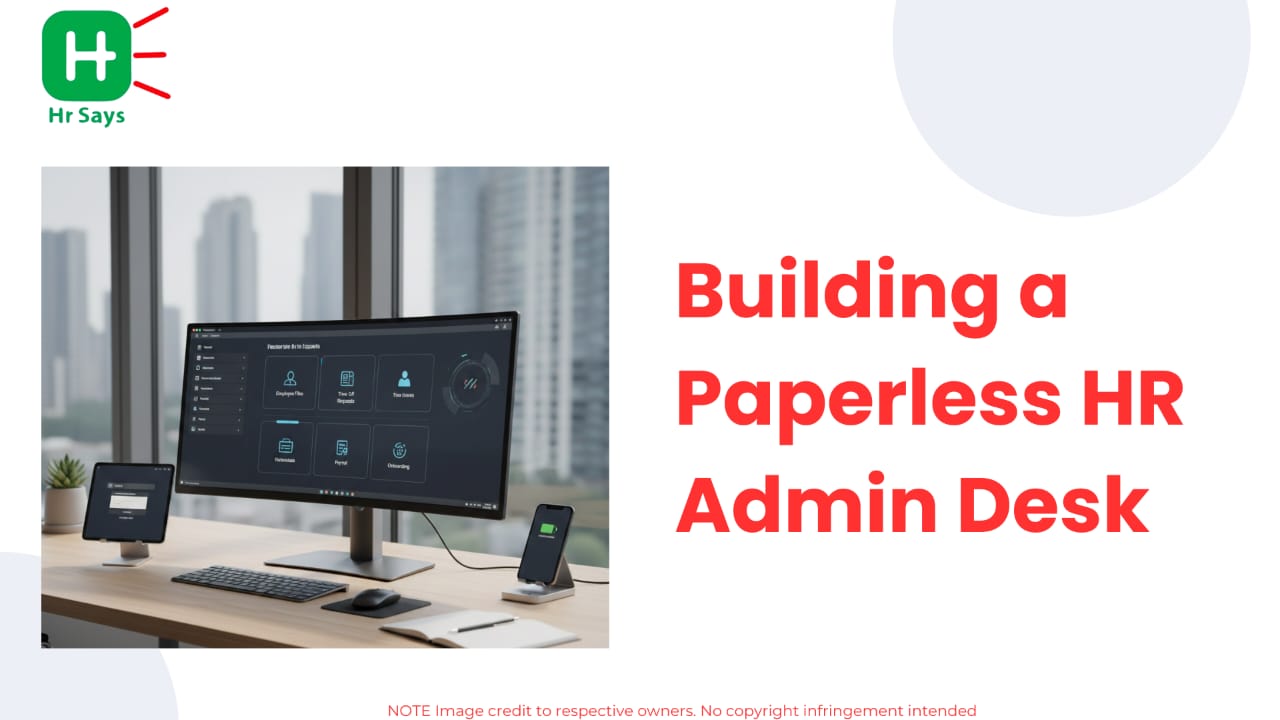
 This blog explains the rising shift toward paperless HR desks. It covers essential components,
steps for smooth transition, and benefits linked to efficiency, compliance, and user friendly
workflows.
This blog explains the rising shift toward paperless HR desks. It covers essential components,
steps for smooth transition, and benefits linked to efficiency, compliance, and user friendly
workflows.




A paperless HR desk will be lighter, quicker and much more in control. The trend these days is to move towards digital workflows to minimize the delays and enhance the accuracy of data. The change is gradual at the workplace in contemporary environments and HR administrators embrace change fast when it comes to the use of tools that can streamline daily work.
Why Digital HR Desks Are Becoming Essential
Remote working and the evolution of cloud applications has propelled HR departments into automation and computerized record-keeping. The relocation also ensures compliance, audit preparedness and safe documentation. The digital onboarding, e-signatures, workflow automation, and centralized employee data hubs are some of the trending solutions that many HR departments inquire today.
Key Drivers Of Paperless Adoption
Efficiency And Speed
Manual data checks slow teams. Digital forms cut repetitive work. Employee records get updated faster, and approvals move within minutes.
Remote And Hybrid Work Needs
Distributed teams require quick access to documents. Cloud platforms support seamless login and secure sharing from anywhere.
Compliance And Accuracy
Digital files help reduce errors. Policies stay updated. Sensitive data gets protected through access controls and activity logs.
Core Components Of A Paperless HR Desk
A strong digital HR setup is built with a few simple blocks. Each part supports smoother communication, improved employee experience, and clearer audit trails.
Digital Document Management
Central Storage
All files stay in one cloud system. Search becomes quick. Retrieval is stress free during audits.
Secure Access Control
Data permissions keep records safe. Only relevant staff view files. Tracking helps maintain accountability.
Employee Self Service
Online Request Portals
Employees raise leave requests, update details, or download payslips without waiting.
Automated Alerts
Teams stay updated through notifications. Workflow reminders reduce missed deadlines.
Digital Onboarding And E Signatures
Streamlined Process
Joining kits, policy sign offs, and identity checks shift online. New hires experience faster onboarding.
Consistent Records
All signed documents get stored automatically. HR teams track completion easily.
How To Transition To A Paperless HR Desk
Moving from paper files to digital workflows happens in phases. Small steps build confidence and reduce overwhelm.
Start With Simple Workflows
Convert leave management, attendance, and reimbursement processes first. These tasks shift smoothly to digital platforms.
Train Teams Regularly
Staff members feel more comfortable when tools are introduced gradually. Short training sessions improve adoption.
Choose Scalable Platforms
Select HRMS tools that support growth. Look for modular features, analytics, secure storage, and real time reporting.
Monitor Adoption
Collect feedback. Resolve blockers early. Improve workflow clarity as usage increases.
Conclusion
A paperless HR admin desk supports speed, clarity, and accuracy. Digital tools help reduce workload and guide teams toward structured processes. Small changes lead to long term efficiency and improved workplace experiences.